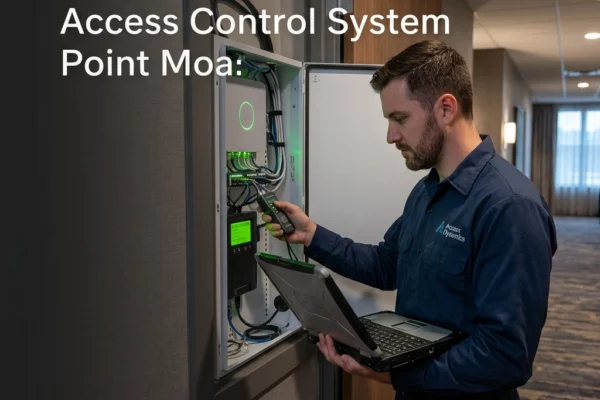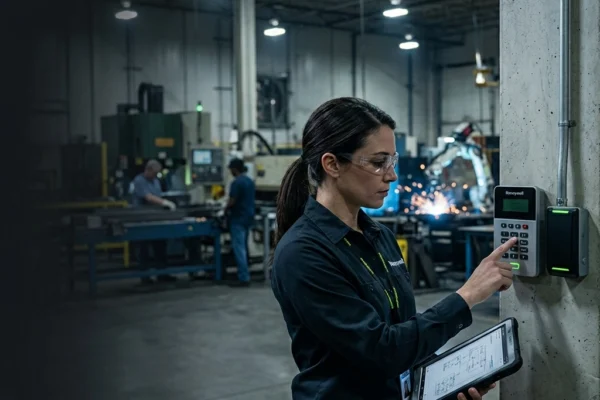
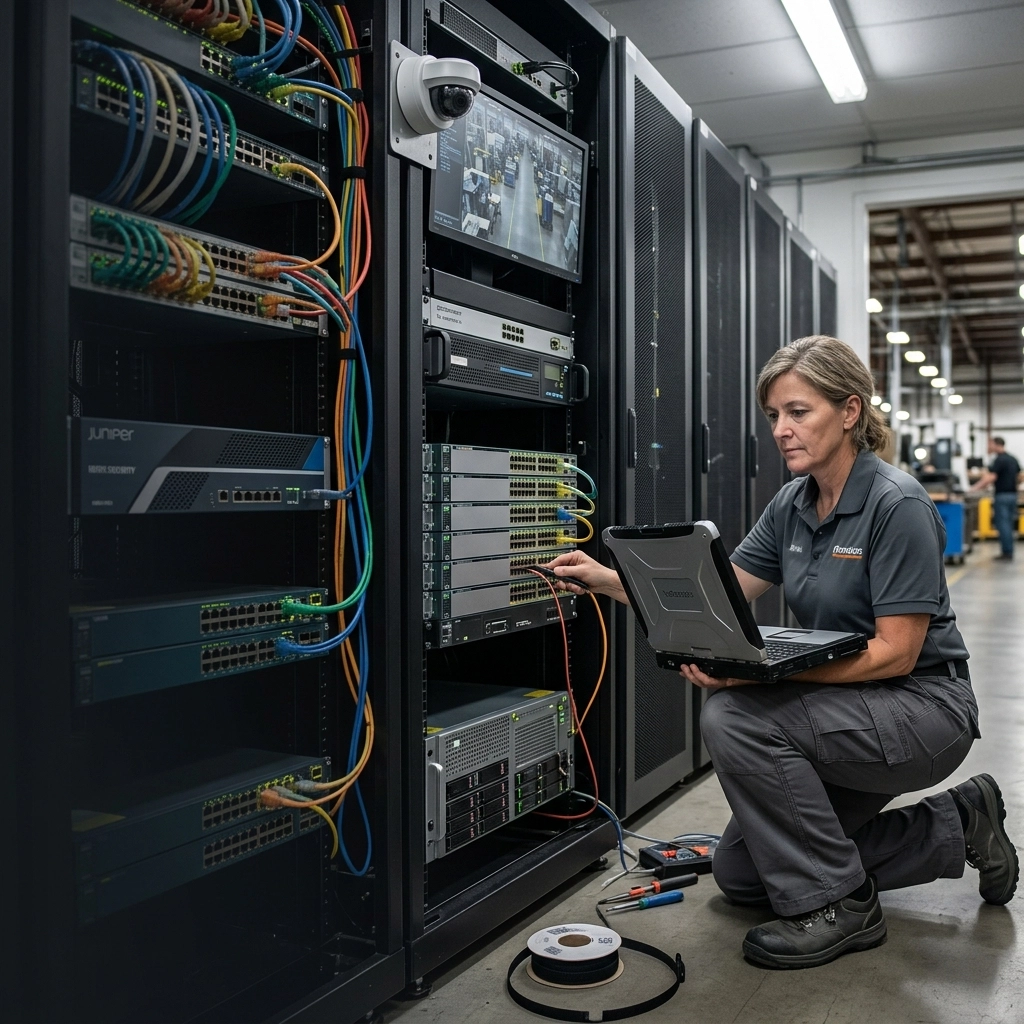
You just dropped $50,000 on a top-tier security system. You’ve got the high-resolution 4K cameras from Salient, the sleek badge readers from Ubiquiti Access, and maybe even a Genetec backend to manage it all. It looks great on paper. But when you actually go to pull up a live feed during an incident, the video stutters. When a staff member swipes their badge, there’s a three-second delay before the door clicks.
The truth is, your high-end security hardware is only as good as the network infrastructure it’s sitting on. If you’re running enterprise-grade security cameras on consumer-grade switches, or worse, a network that hasn't been touched in five years, you’ve basically put Ferrari tires on a riding lawnmower. It’s not going to perform when it matters most.
At SAINT Technology Services, we see this all the time across the Midwest. Businesses in Omaha, Lincoln, and Kansas City invest in "physical security" but forget that in 2026, physical security is IT security. If the network fails, the security fails. Period.
The Hidden Link Between Bandwidth and Badges
Most business owners think of their network as the thing that provides Wi-Fi and lets them send emails. They think of their security system as a separate entity. That’s a dangerous mistake. Modern security devices are bandwidth hogs and power-hungry endpoints that live on your network 24/7.
When you install twenty 4K cameras, you aren't just mounting hardware on a wall. You are adding twenty high-traffic computers to your network. If your network infrastructure isn't designed to handle that constant stream of data, everything else slows down. Your VoIP phones start dropping calls, your cloud software lags, and your security footage ends up looking like a grainy slideshow from 1998.
Why Your "Slow Business Internet" Might Actually Be Your Cameras
We often get calls from businesses complaining about "slow business internet." They think their ISP is the problem. Half the time, the culprit is an unmanaged security system saturating the local network. Without proper network segmentation, your cameras are competing with your accounting department for the same "lane" of traffic.
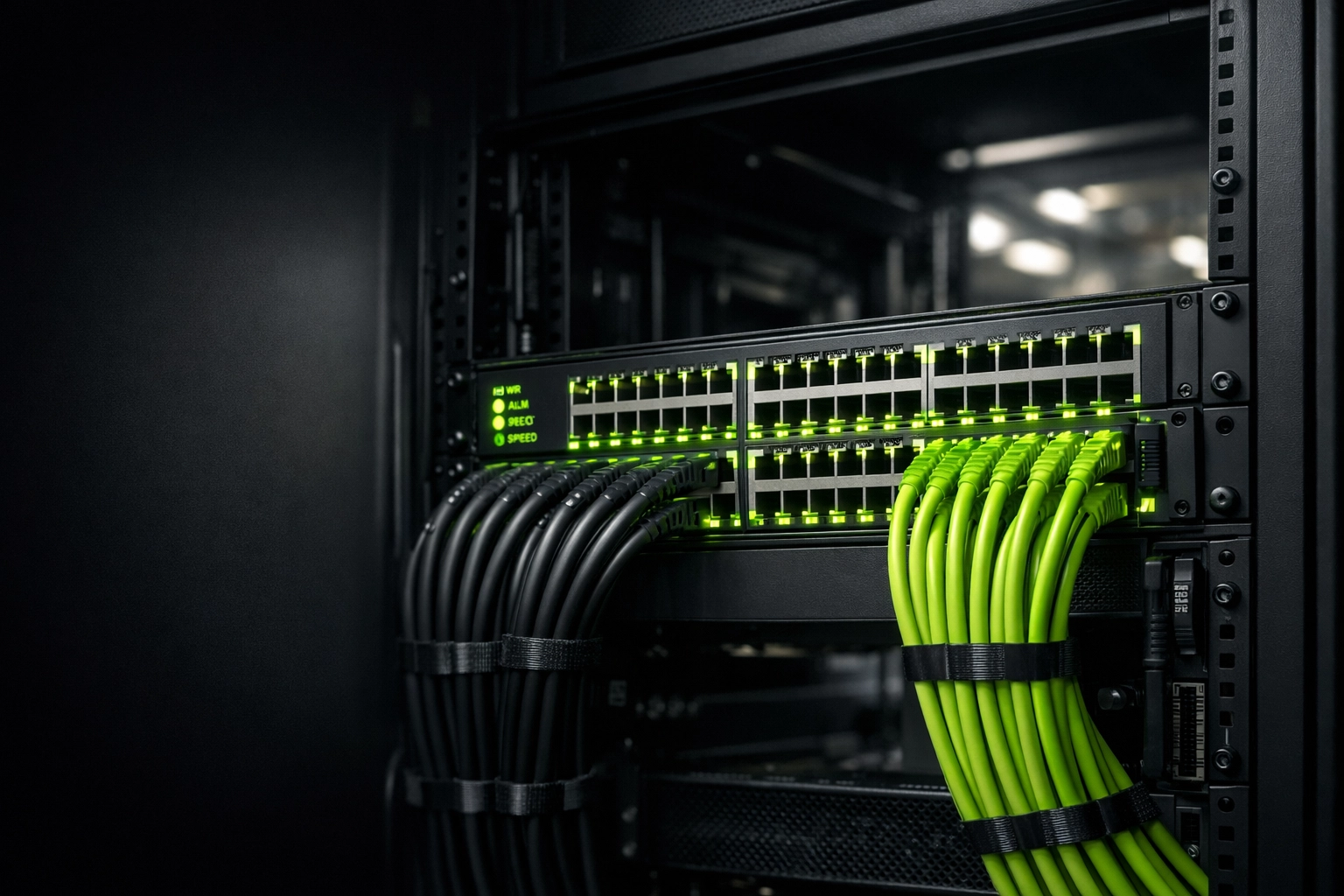
Caption: A high-performance PoE switch managed by SAINT, ensuring dedicated power and bandwidth for security endpoints.
The Three Pillars of Secure Infrastructure
If you want your Salient, Genetec, or Ubiquiti system to actually work when a crisis hits, you need to focus on these three infrastructure pillars.
1. VLANs (The "Traffic Cops" of Your Network)
A Virtual Local Area Network (VLAN) is non-negotiable for physical security. You cannot have your guest Wi-Fi, your office PCs, and your security cameras all talking on the same open network.
VLANs allow us to wall off your security traffic. This does two things:
- Performance: It ensures that a massive data spike in the office doesn't cause your cameras to drop frames.
- Security: It prevents a hacker who gains access to your guest Wi-Fi from jumping over to your camera system or your door controllers.
2. PoE Switches with Real Power Budgets
Power over Ethernet (PoE) is how your cameras and badge readers get their juice. But not all PoE switches are created equal. High-end cameras, especially those with heaters or pan-tilt-zoom (PTZ) capabilities, draw a lot of power.
Generic switches often have a "total power budget." If you plug in too many devices, the switch starts underpowering them. This leads to cameras randomly rebooting or failing at night when the infrared lights turn on (which draws more power). We use enterprise-grade switches with high power budgets to ensure your "eyes" never go dark.
3. Organized Cabling and Rack Management
"Spaghetti cabling" isn't just an eyesore; it’s a security risk. If your network rack looks like a bird's nest, troubleshooting a downed camera becomes a three-hour ordeal instead of a five-minute fix.
The Danger of the "Two-Vendor" Blame Game
This is the biggest headache for Midwest GMs and Operations Directors. You hire a "security company" to put in cameras, and an "IT company" to handle your computers.
When the cameras stop working, the security guy says, "It’s a network issue; call your IT guy." The IT guy says, "The network is fine; it must be the cameras." Meanwhile, your facility is unprotected, and you're paying two different hourly rates for people to point fingers at each other.
At SAINT, we are a Security + Technology Infrastructure Provider. We own the whole stack. We install the Salient or Ubiquiti hardware, and we build the network it runs on. When there’s a problem, there’s only one number to call. We take accountability for the entire system, from the glass on the camera lens to the packet on the server.
Real-World Consequences for Midwest Businesses
Whether you’re running a manufacturing plant in Grand Island, NE or a high-traffic office in Kansas City, KS, the stakes are the same.
A weak network infrastructure leads to:
- Latent Video: You see the intruder 10 seconds after they’ve already moved.
- Access Failures: Employees stuck outside because the door controller can't "check-in" with the server.
- Cyber Vulnerabilities: Unmanaged IoT devices (cameras) are the #1 entry point for ransomware today.
If you are dealing with slow business internet or "glitchy" security feeds, the problem probably isn't the camera, it’s the backbone.
How SAINT Solves This
We don't just "hang cameras." We engineer security environments. Our process ensures your high-end systems actually perform:
- Infrastructure Audit: We look at your current switches, cabling, and bandwidth. We identify the bottlenecks before we ever install a camera.
- Network Segmentation: We build dedicated VLANs for your physical security to ensure zero interference with your daily operations.
- Enterprise Hardware: We use high-wattage PoE switches and shielded cabling to prevent interference and power drops.
- Ongoing Ownership: We proactively monitor the network health. If a switch port starts throwing errors, we know before your cameras go offline.
Frequently Asked Questions
Why does my camera footage look choppy even though I bought 4K cameras?
Most likely, your network switches are overwhelmed or your cabling is outdated (Cat5 instead of Cat6). High-res video requires a stable, high-bandwidth path that isn't being interrupted by other office traffic.
Can I run my Ubiquiti Protect cameras on my existing office Wi-Fi?
We strongly advise against it. Hardwiring cameras is the only way to ensure 99.9% uptime and prevent hackers from jamming the wireless signal. Wi-Fi should be a last resort for security.
What is a "PoE Budget" and why does it matter?
Every PoE switch has a limit on how much total power it can put out. If your cameras need 15W each and you have a switch that only supports 60W total, you can only safely plug in four cameras, even if the switch has 24 ports.
Do I really need a separate server for my Salient or Genetec system?
Yes. Security video processing is CPU-intensive. Running your security backend on the same server that handles your files or email is a recipe for a total system crash.
How does SAINT handle existing "legacy" systems like Honeywell Pro-Watch?
We have extensive experience with legacy enterprise systems. We can often stabilize these systems by upgrading the underlying network infrastructure, even if you aren't ready for a full hardware "rip and replace."
What is the best cabling for modern security systems?
We recommend at least Cat6 for all new installations. It provides the necessary bandwidth for 4K/8K video and better heat dissipation for high-power PoE devices.
Related Services
Serving Businesses in the Midwest
We provide expert IT and physical security integration across the region, including:
- Omaha, NE
- Lincoln, NE
- Kansas City, KS
- Des Moines, IA
- Wichita, KS
If your business in the Midwest United States is dealing with slow systems, downtime, or unreliable IT support ( SAINT fixes it before it becomes a problem.)