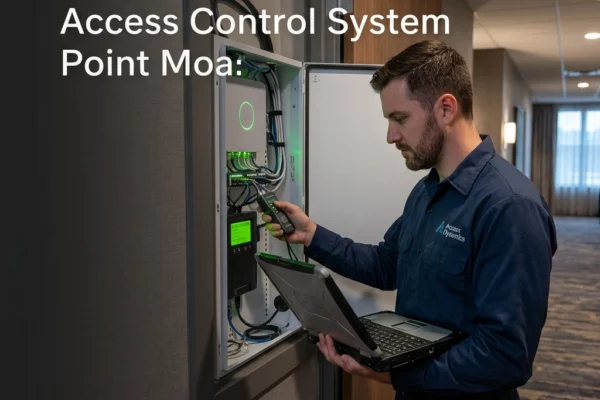

It is Friday at 4:30 PM. Your team in Omaha is packing up, ready to head home for the weekend. Suddenly, the warehouse manager calls. The badge reader at the main entrance isn’t responding. Five minutes later, the side door won't lock. Your "cloud-based" security dashboard is showing a string of red "Offline" icons.
You just had a new fiber line installed this morning. The internet is faster than ever, so why are the doors broken?
Most business owners in the Midwest treat their IT support and their physical security like two different planets. You have the "computer guys" and the "door guys." But in 2026, those planets have crashed into each other. If your network changes and your doors stop working, you don't have a hardware problem, you have a converged security problem.
The Vendor Finger-Pointing Loop
When an access control system is not working, the first thing most managers do is call the security company that installed the readers. The security tech comes out, looks at the hardware, and says, "The reader is fine. It’s a network issue. Call your IT guy."
You call your IT guy. He logs into the router and says, "The internet is up. I see the traffic. It must be a hardware failure on the door controller. Call the security guy back."
Meanwhile, your building is unsecured, or worse, your employees are locked out. You are paying two different service call fees to watch two different vendors point fingers at each other. This is what we call the "Security Tax", the hidden cost of having a fragmented technology strategy.
At SAINT Technology Services, we eliminate this loop. We operate in converged security. If it touches your network, your doors, or your cameras, we own it.
Why Network Changes Break Physical Security
Your access control system isn't just a magnet and a plastic card reader. It’s a specialized computer node on your network. When you swap an ISP, change a firewall, or reconfigure a switch, you are essentially moving the ground beneath that system's feet.
Here are the four most common reasons your badge reader is not working at the office after a network "upgrade":
1. Static IP Address Conflicts
Most door controllers are assigned static IP addresses so the management software always knows where to find them. If your new ISP provided a different gateway or if your new router is handing out IP addresses in a different range (DHCP), your door controller is now shouting into a void. It’s trying to talk to a gateway that no longer exists.
2. VLAN Misconfiguration
High-performing businesses in cities like Lincoln, NE, and Des Moines, IA, use VLANs (Virtual Local Area Networks) to keep security traffic separate from guest Wi-Fi or office workstations. If your IT tech swaps a switch and forgets to "tag" the specific port connected to your security controller, that controller is now isolated. It might have power, but it has no path to the server.
3. Firewall and Port Blocking
Cloud-based access control systems require specific "outbound" ports to be open to talk to the headquarters' server. New firewalls are often set to "deny all" by default. If your IT vendor doesn't understand the specific requirements of your physical security hardware, they will inadvertently block your doors from receiving updates or permission changes.
4. PoE Power Issues
Modern cameras and door controllers run on Power over Ethernet (PoE). If you replace a managed switch with one that has a lower power budget, or if the new switch isn't configured to prioritize security devices, your hardware might have enough power to "blink" but not enough to pull the solenoid on a heavy commercial lock.
The Danger of Fragmented Security
When your systems aren't integrated, you aren't just dealing with an inconvenience; you are dealing with a liability.
If your CCTV system stops recording because of a bandwidth bottleneck you didn't know existed, and a theft occurs, who is responsible? The camera guy will blame the network. The network guy will say he didn't know the cameras were pulling that much data.
This is why Cybersecurity Services in Lenexa, KS must include physical infrastructure. If someone can walk through a door because a network change left it "failed open," your $50,000 firewall doesn't matter. Physical security is the first layer of cybersecurity.
How SAINT Technology Services Solves This
We don't do "band-aid" fixes. We provide Managed IT Services in the Midwest that treat your network and your physical security as a single, unified organism.
- One Point of Accountability: When you call SAINT, you don't hear "that's the other guy's problem." We manage the switch, the firewall, the cabling, the cameras, and the door controllers. If a door won't unlock, we fix it, period.
- Strategic Segmentation: We design networks that prioritize security traffic. Your CCTV will never drop frames because an employee is downloading a large file, and your badge readers will stay isolated from potential malware on the guest Wi-Fi.
- Proactive Monitoring: We don't wait for you to find a broken door. Our systems alert us the second a controller goes offline. Often, we’ve rebooted the interface or fixed the routing table before your manager even arrives at the building.
- Midwest Roots, Enterprise Standards: Whether you are a manufacturing plant in Wichita or a clinic in Lawrence, we bring military-grade discipline to your infrastructure.
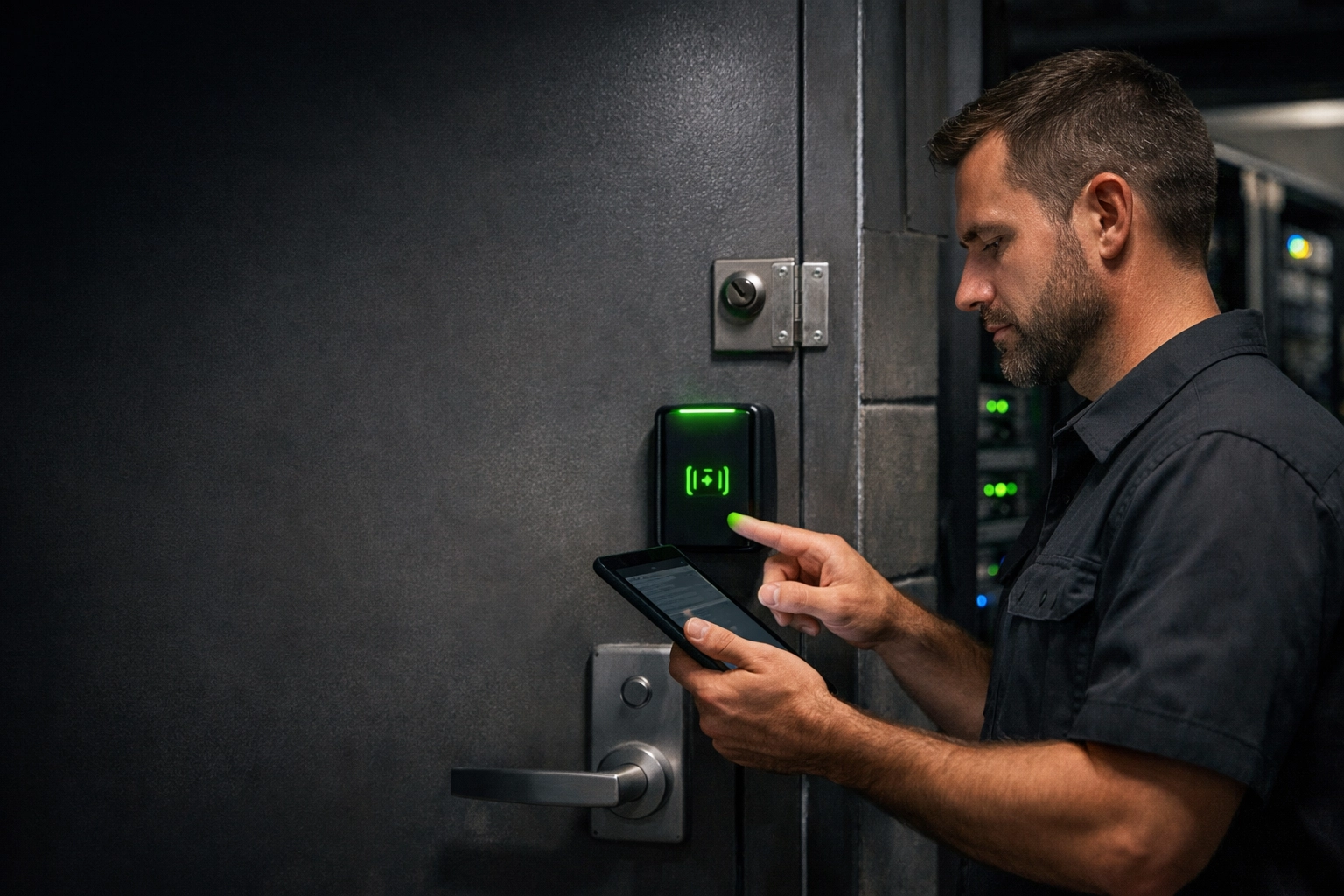
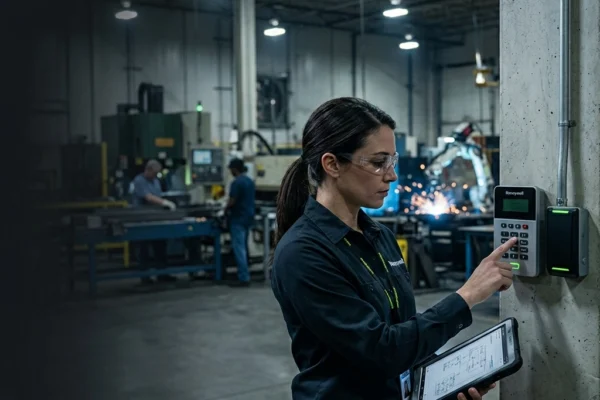
Caption: A modern badge reader with a status light, symbolizing a healthy, networked access control system.
The SAINT Advantage: Converged Security
Most MSPs are afraid of physical security. They don't want to touch the wiring or the hardware. Most security companies are afraid of the network. They just want to "plug it in" and hope it works.
SAINT lives in the middle. We understand that your business doesn't care why the system is down; you just need it to work so you can focus on growth. By unifying your IT and physical security, you stop paying the "Security Tax" and start building a foundation that actually protects your bottom line.
Serving Businesses in the Midwest
We provide converged technology infrastructure across the entire region, including:
- Nebraska: Omaha, Lincoln, Grand Island.
- Kansas: Shawnee, Lawrence, Manhattan, Lenexa.
- Iowa: Des Moines, Council Bluffs.
- Missouri: Kansas City, St. Joseph.
Related Services
- Managed IT Services: Proactive support for your entire digital environment.
- CCTV & Surveillance: Smart camera systems that don't kill your bandwidth.
- Network Infrastructure: Structured cabling and high-performance switching.
- Cybersecurity: Protecting your data from the outside in and the inside out.
FAQ: Access Control & Network Issues
1. Why does my access control system work intermittently after an ISP swap?
This is often due to a DNS (Domain Name System) issue or a "double NAT" configuration where your new ISP's modem is fighting with your internal router. The system tries to connect, fails, and retries, leading to laggy door response times.
2. Can a firmware update on my router break my badge readers?
Yes. Firmware updates can reset security settings, close ports, or change how the router handles "broadcast" traffic that many door controllers use to find the management server on the local network.
3. Does SAINT support existing security hardware?
In many cases, yes. We specialize in taking over "orphaned" systems where the original installer has disappeared or can't solve the network-side issues. We audit your current hardware and integrate it into a stable network environment.
4. How do I know if my issue is the reader or the network?
If the reader lights up or beeps but the door doesn't unlock, it's often a network/software authorization issue. If the reader is completely dead, it’s likely a power (PoE) or wiring issue.
5. What is the best way to prevent these failures?
The best way is to have a single vendor manage both. If SAINT manages your network, we document every security IP, VLAN, and port requirement, ensuring that no "maintenance" task ever breaks your physical security.
6. Why is my CCTV system suddenly blurry after a network change?
Your new network configuration might be forcing the cameras onto a lower-speed port or a congested VLAN, causing the system to automatically drop the resolution to maintain a connection.
7. Is cloud-based access control safer than on-premise?
Cloud-based systems are easier to manage remotely but are 100% dependent on your network's "outbound" health. On-premise systems work during internet outages but are harder to update. We help you choose the one that fits your risk profile.
If your business in the Midwest United States is dealing with slow systems, downtime, or unreliable IT support : SAINT fixes it before it becomes a problem.