
It’s a Monday morning in your Lincoln or Omaha office. You’ve got a stack of contracts to scan and email to a client. You walk up to your high-end multi-function printer (MFP), hit the "Scan-to-Email" button, and wait.
Nothing happens. Or worse, you get a cryptic "Authentication Failed" or "Server Error 550" message.
You call your office equipment vendor. They tell you the printer is fine. You call your "IT guy," and he’s scratching his head. Meanwhile, your workflow is dead in the water.
This isn't a hypothetical scenario. It is the reality facing thousands of Nebraska businesses as we move deeper into 2026. The culprit? Microsoft is finally pulling the plug on Basic Authentication for SMTP. If your business hasn't prepared for this shift, your scanners, copiers, and legacy applications are about to become very expensive paperweights.
The Death of the Password: What is the 2026 SMTP Update?
For decades, devices like scanners and printers have used a simple method to send emails: Simple Mail Transfer Protocol (SMTP) with Basic Authentication.
Basic Authentication is exactly what it sounds like. The device sends a username and a password to the mail server (like Microsoft 365). If they match, the email goes through.
The problem? It’s incredibly insecure.
Hackers love Basic Authentication because if they intercept those credentials, they have a direct line into your corporate email environment. There’s no Multi-Factor Authentication (MFA) to stop them. Because of this, Microsoft has been trying to kill Basic Auth for years.
By the end of 2026, Microsoft is enforcing a 100% transition to OAuth 2.0 (Modern Authentication). OAuth doesn't just use a password; it uses a secure "token" that is much harder to steal and can be revoked instantly.
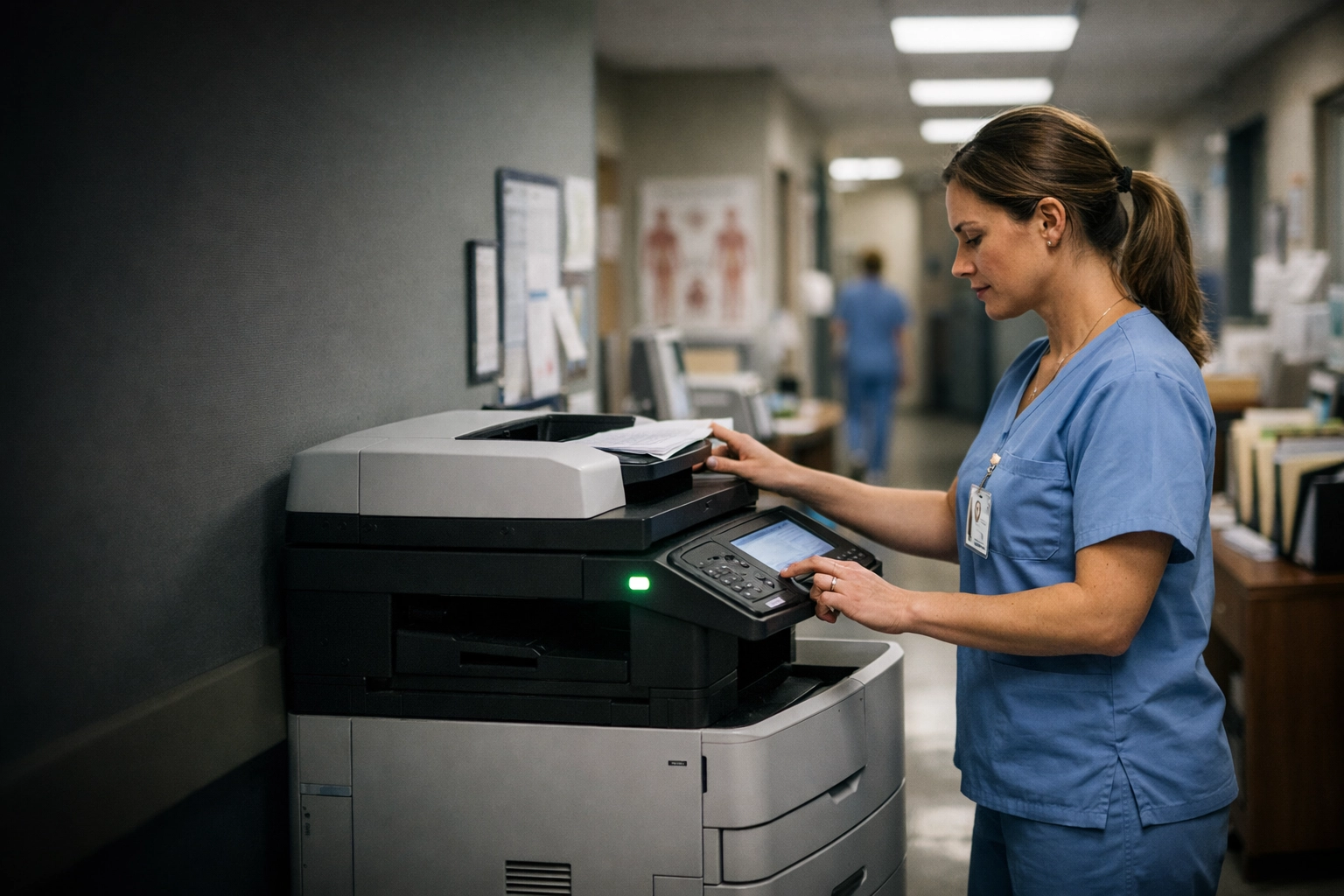
(Search Query: A high-end, realistic photo of a professional office multi-function printer/scanner in a modern workspace. No people with laptops.)
Why Your Office Equipment Is at Risk
Here is the uncomfortable truth: Most of the printers and scanners currently sitting in offices across Nebraska were never built to handle OAuth 2.0.
These devices are "dumb." They were designed to store a single username and password in their firmware. They don't have the processing power or the software architecture to handle the complex "handshake" required by Modern Authentication.
When Microsoft flips the switch in late 2026:
- Legacy Printers: Will immediately stop sending emails.
- Old ERP Systems: Your automated invoices will fail to send.
- Security Cameras: Your motion alerts and system logs won't reach your inbox.
- IoT Devices: Any device that relies on email notifications will go dark.
If you are still operating on a "break-fix" model: where you only call IT when something stops working: you are walking into a trap. This isn't an "if" it breaks; it's a "when" it breaks.
Break-Fix vs. Proactive Management: The SAINT Approach
Most Managed IT providers in Omaha or Lincoln will wait for you to call them on that frantic Monday morning. They’ll bill you by the hour to troubleshoot a problem that has no easy fix for older hardware.
At SAINT Technology Services, we don't operate that way. We believe in Managed IT Services in Lincoln, Nebraska that focus on stability and foresight, not just emergency response.
The "Break-Fix" Nightmare:
- The system fails unexpectedly.
- Employee productivity drops to zero.
- The IT tech spends 4 hours trying to find a workaround.
- You realize the printer hardware is incompatible with modern security.
- You have to rush-order a new $5,000 MFP.
- You pay an emergency labor fee on top of the hardware cost.
The SAINT Proactive Roadmap:
- Inventory Audit: We identify every device on your network that uses SMTP.
- Compatibility Check: We verify which devices support OAuth 2.0 and which do not.
- Strategic Migration: For devices that can be updated, we push firmware updates now.
- Relay Implementation: For legacy devices that cannot be updated, we set up secure SMTP relays or third-party gateways that bridge the gap without compromising security.
- Zero Downtime: The transition happens in the background. Your team never even knows there was a threat to their workflow.
The Hidden Cost of Ignoring the Update
It’s tempting to think, "We’ll just deal with it when it happens." But the cost of a failed scan-to-email system goes beyond just the IT bill.
Think about your operations. How many documents do you scan daily? Invoices, HR paperwork, shipping manifests, legal filings. When that stops, your business stops. For a manufacturing plant in Grand Island or a law firm in downtown Lincoln, even four hours of downtime can cost thousands in lost billable time or delayed shipments.
Furthermore, ignoring this update is a massive security risk. If you are still using Basic Auth, you are leaving a back door open for ransomware. Modern hackers look for these legacy "service accounts" because they are rarely monitored and almost never protected by MFA.
Convergence: Where Physical Security Meets IT Support
This SMTP update doesn't just affect your printer. It affects your physical security in Central City and across our other service areas.
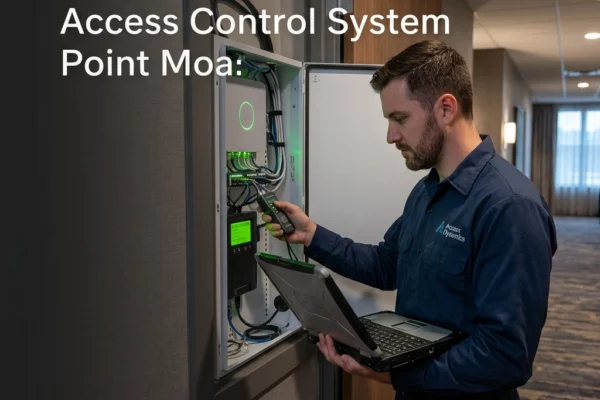
Many older CCTV and Access Control systems use SMTP to send alerts. If someone forces a door at 2:00 AM, and your system is trying to send an email via an old Basic Auth account, that alert will never reach you.
This is why SAINT focuses on Convergence. We don't just look at your server; we look at how your physical hardware (cameras, scanners, door controllers) interacts with your IT infrastructure. If one part of the chain is weak, the whole system is broken.
How to Prepare Your Business Now
You don't need to be a technical expert to protect your business. You just need to ask the right questions.
- Ask your current IT provider: "Do we have a list of all devices using Basic Authentication for SMTP?"
- Check your hardware: Look at the age of your office scanners. Anything older than five years is a high-risk candidate for failure in 2026.
- Audit your 'Service Accounts': Do you have an email account named "scanner@yourbusiness.com"? If so, how is it authenticating?
If your current IT support gives you a blank stare or tells you "not to worry about it yet," it’s time for a second opinion. In the world of technology, "not yet" is the precursor to "too late."
Why Nebraska Businesses Trust SAINT
We are veteran-owned and Midwest-rooted. We don't hide behind corporate jargon or "per-incident" billing that rewards us when your tech fails. We offer flat-rate Managed IT services that align our goals with yours: Uptime.
Whether you are a small medical clinic in Omaha or a large manufacturing facility in Kearney, we bring military-grade discipline to your IT management. We fix the gaps: like the 2026 SMTP update: before they become a crisis for your staff.

(Search Query: A modern open office space where employees are engaged with technology, reflecting a stress-free work atmosphere. Transparent, reliable, and proactive IT support.)
Frequently Asked Questions
What exactly is SMTP?
SMTP stands for Simple Mail Transfer Protocol. It is the standard language used by devices (printers, scanners, apps) to send outgoing emails to a mail server.
Why is Microsoft 365 making this change?
To increase security. Basic Authentication uses only a username and password, which is easily stolen. Modern Authentication (OAuth 2.0) uses tokens and supports Multi-Factor Authentication (MFA), making it significantly harder for hackers to compromise your accounts.
Can I just keep using a password for my scanner?
After the 2026 deadline, Microsoft 365 will reject connections that use Basic Authentication. Unless you use a workaround like a dedicated SMTP relay or a third-party service, your scanner will simply stop working.
Do I have to buy new printers?
Not necessarily. Many modern printers can be updated via firmware to support OAuth 2.0. For older "legacy" hardware, SAINT can often implement a secure SMTP relay that allows the device to keep functioning without violating security standards.
How do I know if my business is at risk?
If you use Microsoft 365 for your business email and you have scanners, copiers, or older software that "scans to email," you are likely using Basic Authentication. A professional IT audit is the only way to be 100% sure.
Is this just a Microsoft issue?
While Microsoft is the primary driver of this 2026 deadline, Google (Gmail/Google Workspace) and other major providers are also moving toward mandatory Modern Authentication. It is an industry-wide shift.
Stop Reacting. Start Operating.
The 2026 SMTP update is a ticking clock for your office operations. You can wait for the day everything breaks, or you can partner with a team that has already mapped out the solution.
If your business in Lincoln or Omaha is dealing with slow systems, downtime, or unreliable IT support : SAINT fixes it before it becomes a problem.
Let's secure your workflow. Contact SAINT Technology Services today for a comprehensive technology audit. We’ll identify your SMTP vulnerabilities and ensure your transition to 2026 is seamless, secure, and stress-free.
Related Services:
- Managed IT Services: Full-scale proactive support for your entire network.
- Cybersecurity: Protecting your data from the evolving threat landscape.
- Physical Security: Unified CCTV and Access Control that works with your IT.
Serving Businesses in:
- Lincoln, NE
- Omaha, NE
- Grand Island, NE
- Kearney, NE
- And throughout the Midwest.