There is a specific kind of sinking feeling that only a business owner or facility manager knows. It happens the moment you walk into your office in Omaha, your warehouse in Lincoln, or your clinic in Kansas City and realize something is missing. Maybe it’s a pallet of inventory. Maybe it’s a broken window. Or maybe an employee is reporting a "slip and fall" that feels a little too convenient.
You do what any sensible person does: you head to the back room, pull up your NVR software, and select the timestamp for the incident.
And the screen is black. Or worse, the recording stopped three weeks ago, and you’re just now finding out.
The reality is that most business security camera system issues aren't discovered during a routine check. They are discovered during a crisis. At SAINT Technology Services, we call this the "Security Tax", the high price you pay for a system that was installed by a "camera guy" who didn't understand networking, or an "IT guy" who didn't understand physical security.
If your CCTV system isn't recording right now, you probably don't even know it. Here is why that happens and how we fix the gap between "installed" and "actually working."
The Myth of "Set and Forget" Physical Security
Most Midwest business owners view CCTV like a toaster. You plug it in, it does its job, and you ignore it until you need it. But a modern security system is a high-bandwidth, resource-heavy network appliance.
In the Midwest United States, we see a recurring pattern: companies treat their physical security and their IT as two separate worlds. You have a local alarm company bolt cameras to the wall, and you have a different vendor handling your servers. When the cameras stop recording because of a network conflict, the alarm company blames the IT guy, and the IT guy says, "I don't touch the cameras."
Meanwhile, your footage is gone.
1. Storage Exhaustion: The Silent Loop Failure
The most common reason for a recording failure is the simplest: the hard drive is full, or it has failed. Most systems are set to "overwrite" old footage. However, if the file system becomes corrupted or the NVR (Network Video Recorder) experiences a database error, the "loop" breaks.
Instead of overwriting old files, the system just stops. There is no alarm. There is no flashing red light on your monitor. The system looks like it's "Live," but nothing is being committed to the disk. For a manufacturing plant in Nebraska or a retail hub in Des Moines, losing 30 days of footage because of a disk error is a liability nightmare.
2. Network Bottlenecks and "Ghosting"
Your cameras are data hogs. If you are running 4K cameras at a high frame rate, you are pushing massive amounts of data across your switches. If your network wasn't designed for converged security, those cameras are competing with your VOIP phones, your ERP system, and your guest Wi-Fi.
When the network gets congested, the NVR might drop the stream. You might see a "Video Loss" message that clears itself after a few minutes, but during those minutes, you are blind. This is why Managed IT Services in the Midwest are critical, you need someone who understands how to segment your network so your security traffic doesn't crash your business operations.
3. The PoE Budget Trap
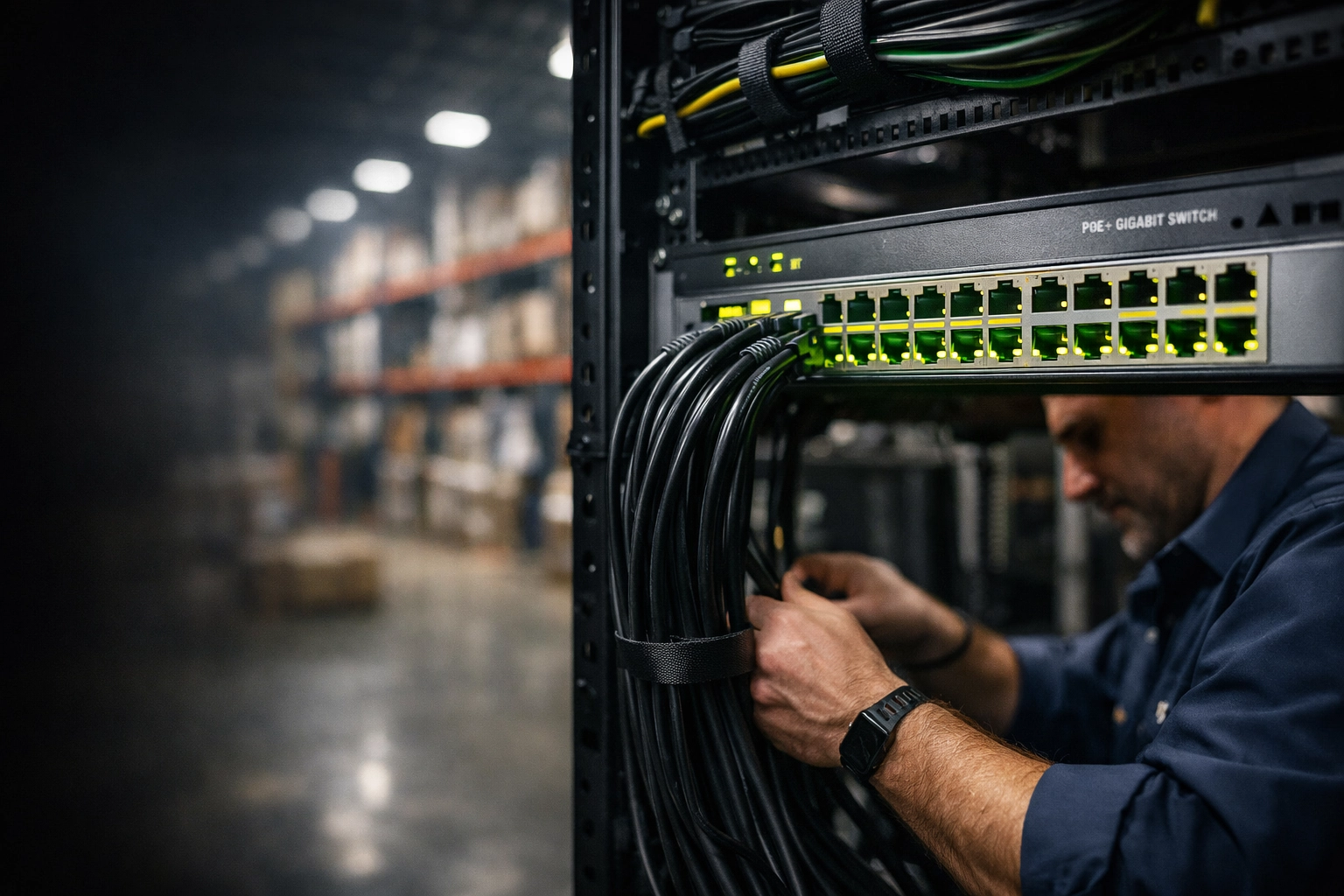
Power over Ethernet (PoE) is how most modern cameras get their juice. Every switch has a "power budget." If you have a 24-port switch and you plug in 20 high-def cameras with infrared night vision, you might be fine during the day.
But as soon as the sun goes down and those cameras click over to IR mode, their power draw spikes. If you exceed the switch's power budget, the switch will start "load shedding", dropping power to ports randomly. Your cameras start rebooting in a cycle. You lose footage every night, exactly when you need it most.
Why Your Security Vendor Is Burning You
When you look at the cctv installation business cost, you’ll see a wide range of quotes. The cheap quotes come from companies that "hang and bang" hardware. They don't look at your VLAN structure. They don't calculate your bandwidth. They don't monitor the health of your hard drives.
They give you a system that works on Day 1, but they don't provide the infrastructure to keep it working on Day 1,000.
At SAINT, we operate differently. We are a converged security provider. We don't just care about the lens on the camera; we care about the port it's plugged into, the firmware on the switch, and the health of the NVR. If it touches your network, your doors, or your cameras, we own it.
How to Tell if Your System is Failing (Before an Incident)
You don’t need to be a tech genius to spot red flags. If you notice any of these, your recording is likely at risk:
- Laggy Live View: If the video stutters when you watch it on your desktop, the NVR is struggling to process data.
- Missing "Chunks" of Time: Check your playback. If there are gaps of 5 or 10 minutes where nothing was recorded, you have a network or power issue.
- Hot NVRs: If your recording unit is shoved in a closet without ventilation, the hard drives will cook themselves. High heat equals high failure rates.
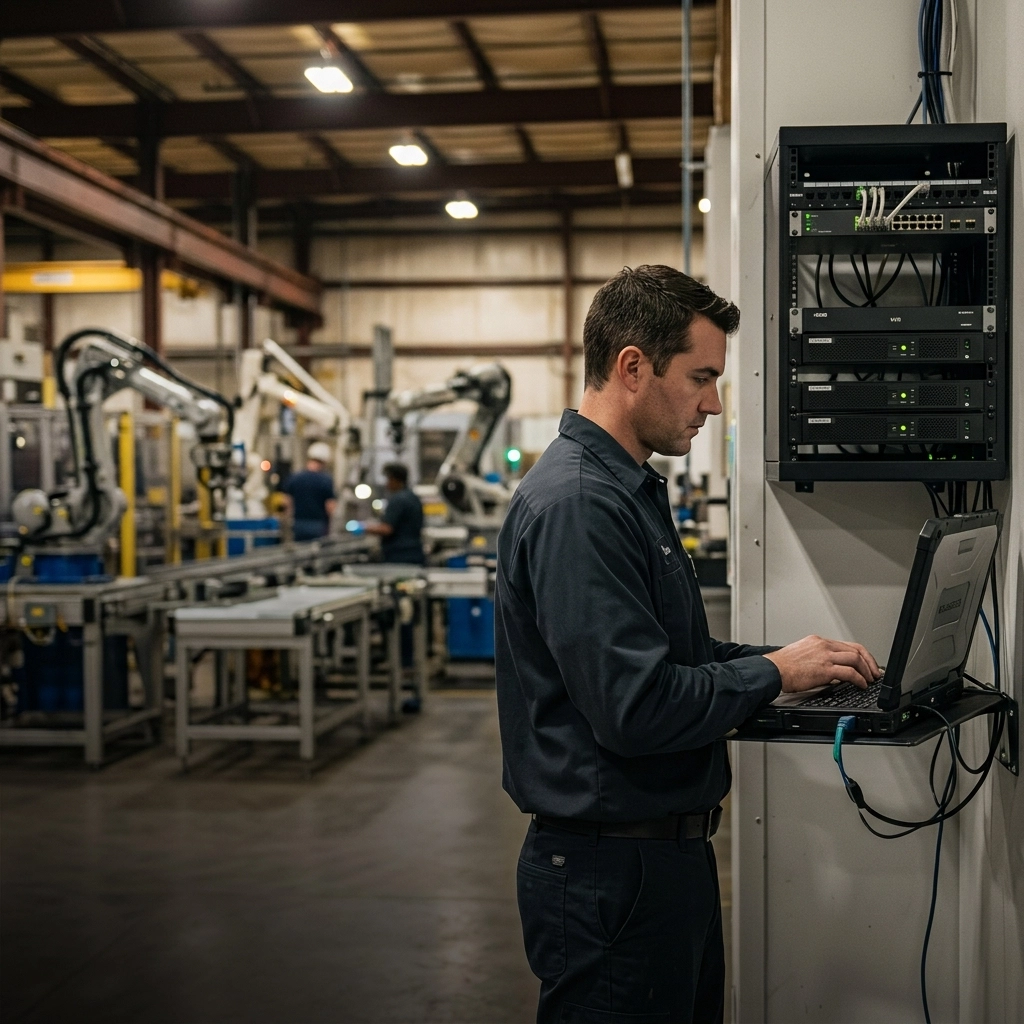
- Unlabeled Cables: If your server room looks like a bowl of spaghetti, one accidental unplug during a "routine" IT fix could take down your entire security perimeter.
The SAINT Advantage: Converged Security for the Midwest
We don't believe in "IT Support" as a stand-alone service. In 2026, security is IT.
When we take over a client in Lincoln or Shawnee, we don't just look at their email. We audit the whole stack. We ensure your CCTV is on a dedicated VLAN to prevent it from slowing down your office work. We monitor the health of your security hard drives just like we monitor your server backups.
If a camera goes offline at 2:00 AM at your warehouse in Omaha, we know about it before you arrive at 8:00 AM. That is the difference between a vendor and a partner.
Related Services
- Network Infrastructure Design: Building the backbone that supports both data and security.
- Access Control Integration: Making sure your doors and cameras talk to each other.
- Proactive Cybersecurity: Protecting your NVR from being hacked and used as a gateway into your network.
- Managed IT Support: Flat-rate, no-nonsense tech support for Midwest businesses.
Serving Businesses in the Midwest
We provide on-site and remote support across the region, including:
- Nebraska: Omaha, Lincoln, Grand Island, Kearney.
- Kansas: Cybersecurity Services in Shawnee, Overland Park, Lawrence, Manhattan.
- Iowa: Council Bluffs, Des Moines.
- Missouri: Kansas City, St. Joseph.
FAQ: Business Security Camera Issues
Why does my camera system stop recording at night?
This is usually a power issue. Infrared (IR) LEDs require more power. If your PoE switch is at its limit, it will shut down ports when the cameras try to draw more power at night.
How much storage do I need for 30 days of footage?
It depends on the number of cameras and the resolution. Generally, for a 4-camera 4K setup, you want at least 4TB to 6TB of storage to ensure you aren't overwriting critical data too quickly.
Can I monitor my CCTV system health remotely?
Yes, but most standard systems don't do this out of the box. SAINT provides proactive monitoring that alerts our helpdesk if a recording stream is interrupted or a drive fails.
Is cloud recording better than an on-site NVR?
Cloud recording is great for redundancy, but it can crush your internet bandwidth if not configured correctly. A hybrid approach: on-site recording with critical event backup to the cloud: is usually best for Midwest businesses.
Why is my CCTV video grainy or distorted?
This can be caused by "electronic noise" from poor cabling or a failing power supply. It could also be a symptom of a network that is too slow to handle the high-definition stream, forcing the camera to downgrade the quality.
Should my IT company manage my cameras?
Absolutely. Your cameras are network devices. If your IT company doesn't understand your security systems, or your security company doesn't understand your network, you have a massive gap in accountability.
Stop Guessing If You’re Protected
A security system that doesn't record is just an expensive wall decoration. Don't wait for a theft or a lawsuit to find out your "security" was a mirage.
If your business in the Midwest United States is dealing with slow systems, downtime, or unreliable IT support : SAINT fixes it before it becomes a problem.
Whether you are in Omaha, Lincoln, or anywhere across the Midwest, let’s get your infrastructure locked down. We bring military-grade discipline to business technology. No fluff, no hidden fees, just systems that work when you need them most.